Definition
What the metric means in the current context.
Scan performance across campaigns, ad sets, accounts, and channels with practical default columns. Add the indicators you need, sort the view, and open the exact reason behind every number.
HelmMind starts with the indicators optimizers use most often for daily triage. The table stays readable while still giving you access to the full metric set when the decision requires more context.
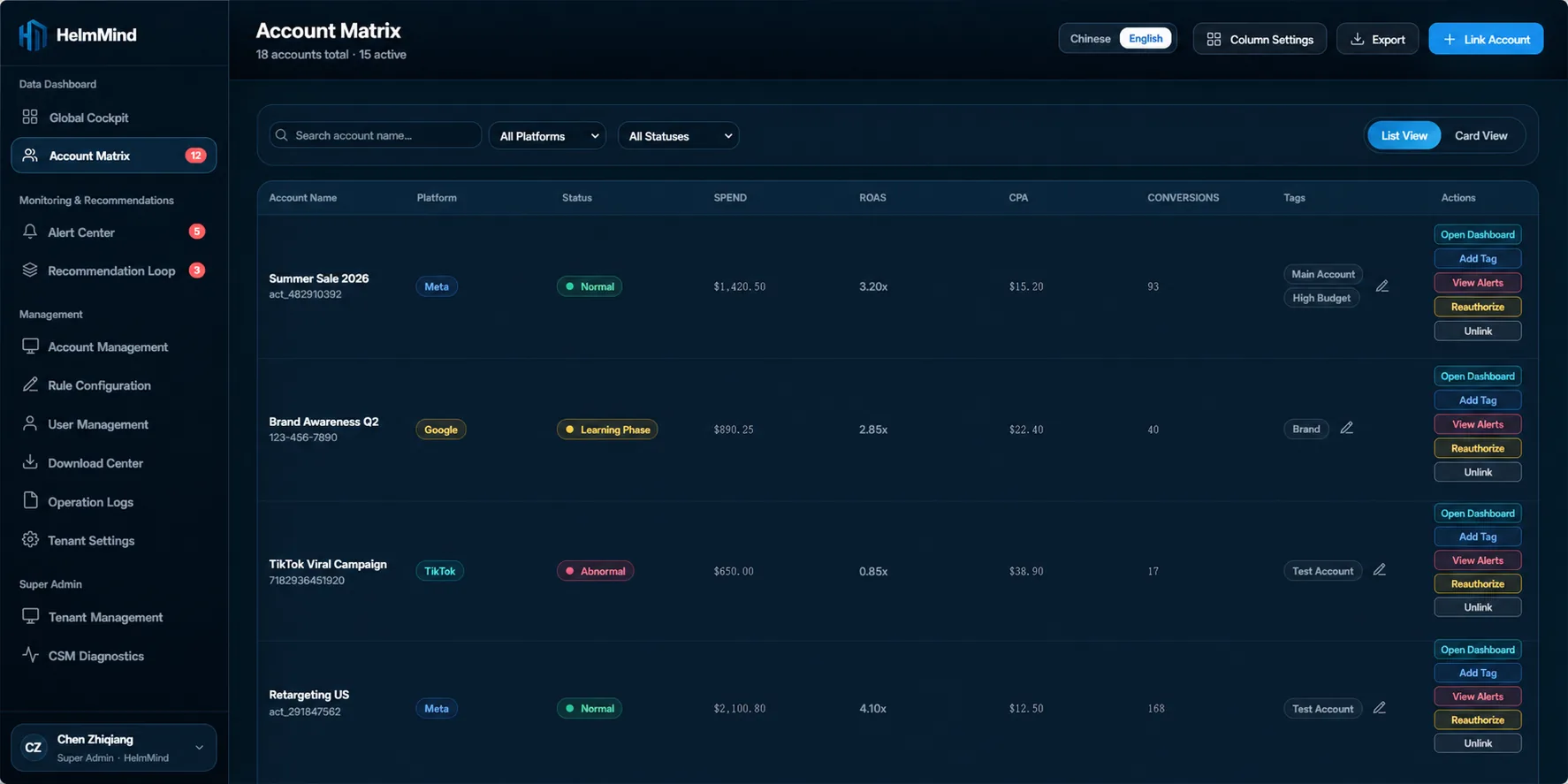
Metric definitions, formulas, source details, and missing-value rules are available where questions occur. HelmMind does not turn unavailable data into a misleading zero.
What the metric means in the current context.
How the displayed value is calculated.
Which authorized platform supplied it and why it may be unavailable.
Showing the most-used metrics for daily review, then expanding only when the decision needs it.
For unavailable sources or periods, the Matrix shows — or N/A and explains the reason.
When no rows match, retain filters and offer a clear reset rather than losing context.
See the product in a workflow built for daily triage, not just reporting.